06_Slider Icon
The mark of movement
The Slider Icon is built from the slider bars used in the ELAN logo. It forms a recognisable graphic element within the identity.
Slider Icon variants
Each division uses the icon in its own color palette. There is a full-color and a greyscale version and a monotone version.This means the icon can also be applied in a single colour when needed. This keeps it flexible in use, while remaining recognisable as part of ELAN.
Full-colour & Grey scale version

Monotone version

Use of slider bars
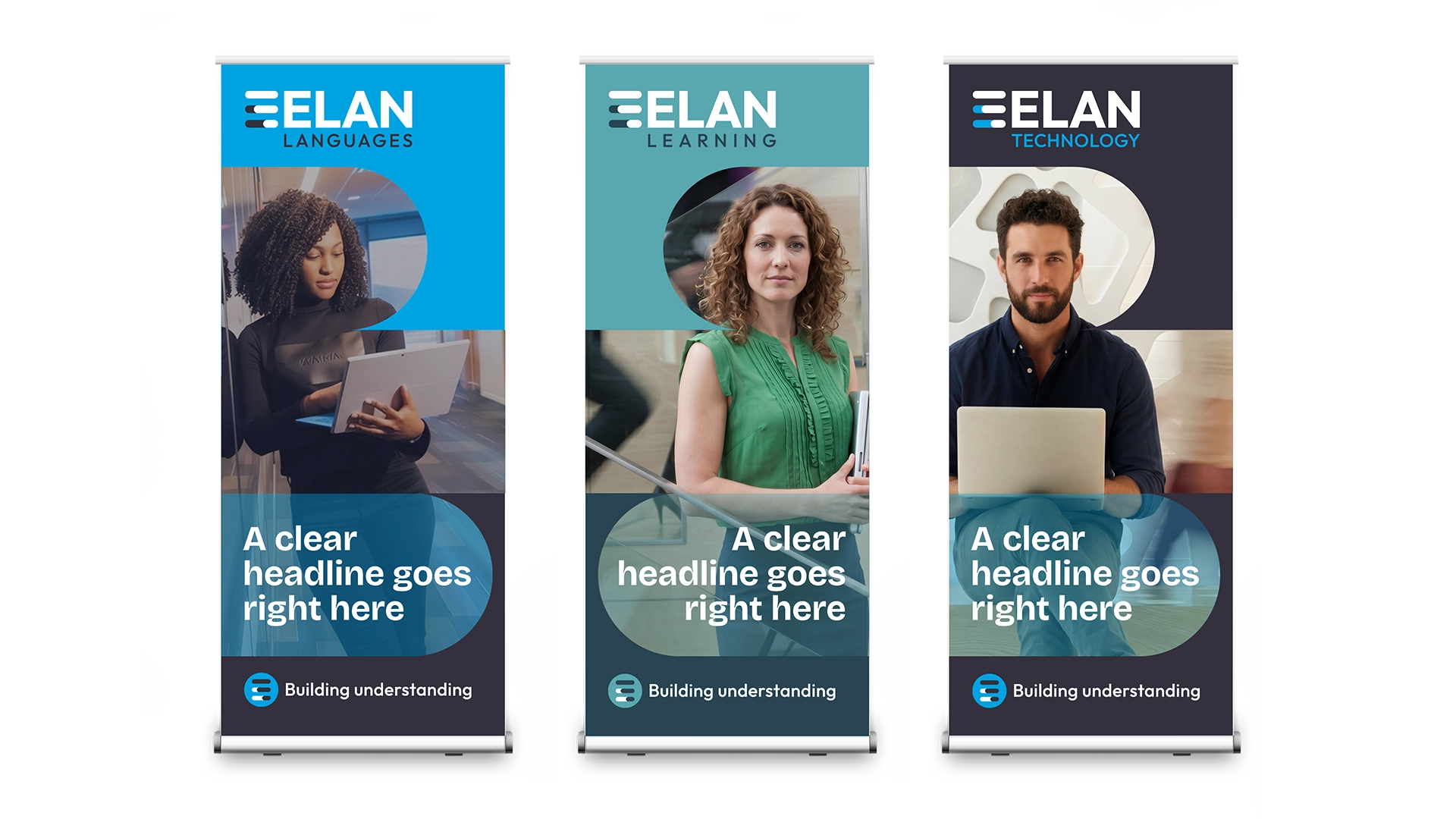
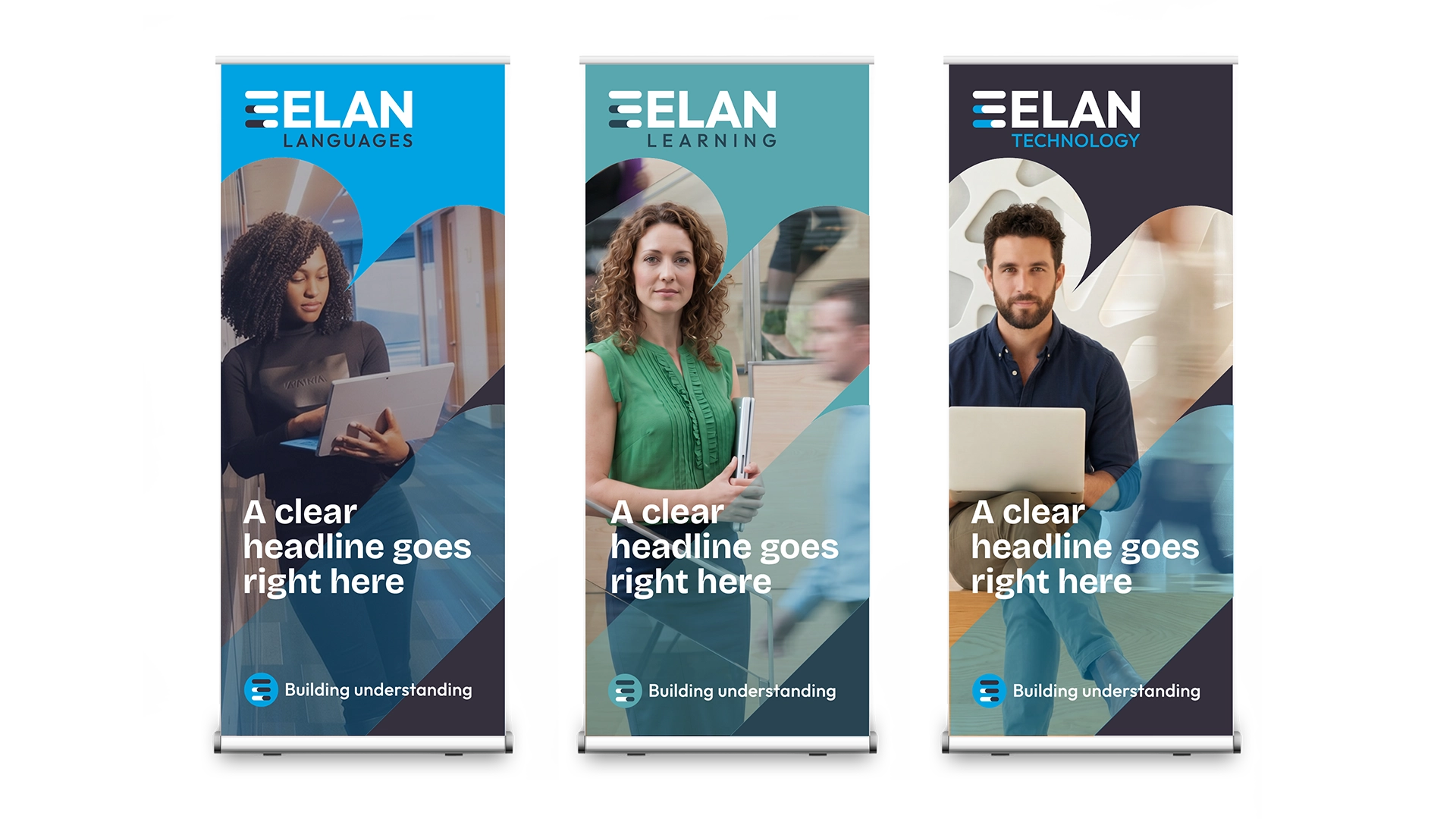
The slider bars from the icon can also be used separately as a graphic element. Use the bars, for example, as a frame for photography, as a crop or as a graphic accent. This creates a distinctive visual language that is instantly connected to ELAN.
Apply the slider bars deliberately and consistently. Always use them horizontally, vertically or at a 45-degree angle. These fixed directions give ELAN communications recognition, rhythm and character.

1. Use the slider bars consistently: horizontal, vertical or at a 45-degree angle.

2. Adjust the slider bars to create your preferred shape.

3. Decide whether to apply the element horizontally or at a 45-degree angle.

4. When using a 45-degree angle, always keep images upright.
Brand collateral
Download Icons


